


1.What is the maximum video length Hailuo AI can generate?
Hailuo AI generates clips of up to 10 seconds.
Create videos from text or images using the Hailuo AI model — directly on MyIMG, for free. Powered by MiniMax, Hailuo delivers 1080p output with natural motion, cinematic camera control, and fast generation times of 30–90 seconds. No sign-up required.
For image to video, upload a clear, well-lit image of your subject for the most accurate and consistent output. If you're generating from text only, skip ahead to Step 2.
Describe your scene in the prompt box. Be specific — include camera movement, subject appearance, lighting, and style. The more detail you provide, the closer the output will match your vision. Hit "Generate" when ready.
Once generated, download your video or review the output. If it doesn't match your vision, adjust your prompt — tweak the camera angle, motion speed, or subject description — and generate again.
Hailuo generates 1080p video clips in 30 to 90 seconds — significantly faster than many comparable models. Iterate quickly without sacrificing output quality.
Every video is rendered at full 1080p resolution. Hailuo's architecture is optimized for sharp detail retention across the entire clip, not just the first few frames.
Hailuo supports a wide range of visual styles — photorealistic, anime, ink wash, illustration, and game CG — giving you genuine creative flexibility across different content types.
Powered by MiniMax's motion modeling, Hailuo produces smooth, frame-consistent movement. Subject positioning and motion direction hold across the full clip without the drifting or morphing common in other models.
Hailuo ranks NO.1 for physics simulation on WorldModelBench. Fabric, liquid, hair, and object interactions follow real-world physical rules — making it especially strong for product demos and natural content.
MyIMG provides free credits so you can generate videos right away — no sign-up required. Explore what Hailuo can do before committing to anything.
Hailuo AI is a video generation model developed by MiniMax, a Shanghai-based AI company. It supports both text-to-video and image-to-video generation, producing clips at up to 1080p resolution in 30 to 90 seconds.
For greater creative control, Hailuo allows users to upload both a start frame and an end frame — guiding the model on how a scene should open and resolve, so the output follows your intended story arc rather than generating unpredictably.
Hailuo is a strong choice for creators on a budget. Free daily credits are available with no sign-up required, giving you access to the same core model without an upfront commitment.
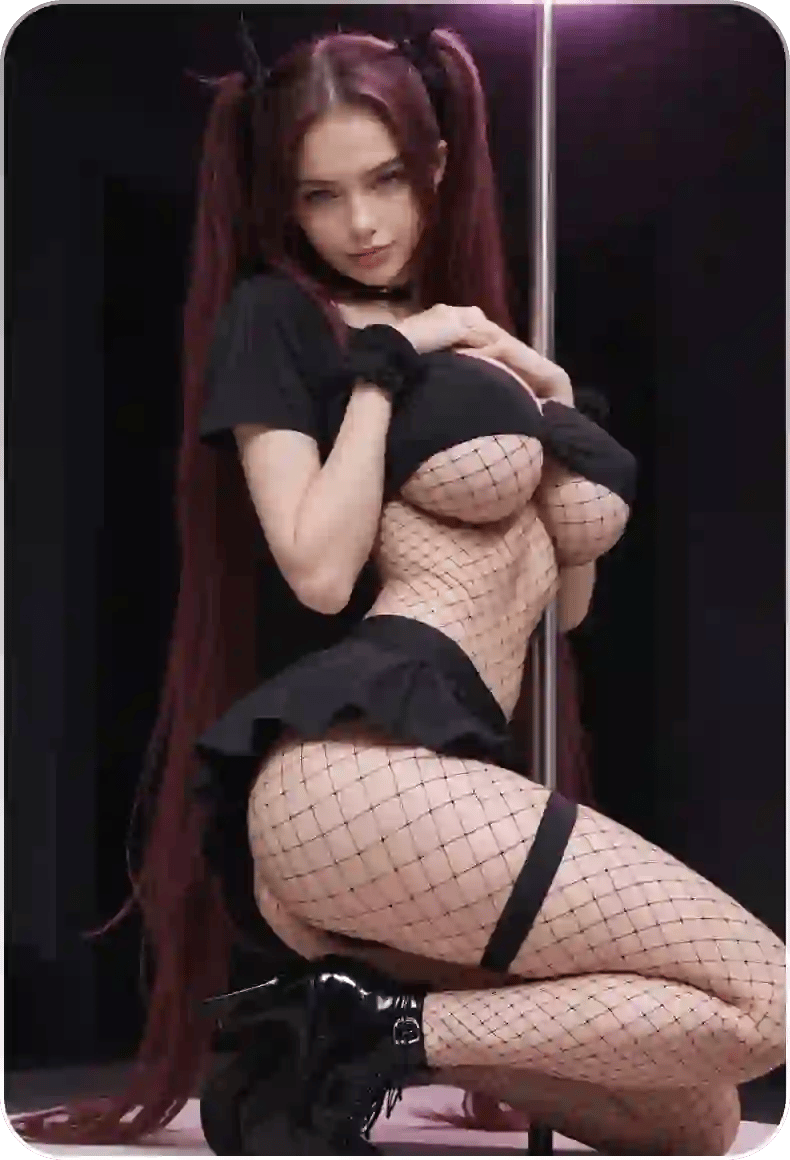
Animate a still photo into an AI-generated dance video. Kpop-style choreography in seconds.

Turn your photos into heartwarming AI hug videos. Experience natural embraces with no distortion or alterations.
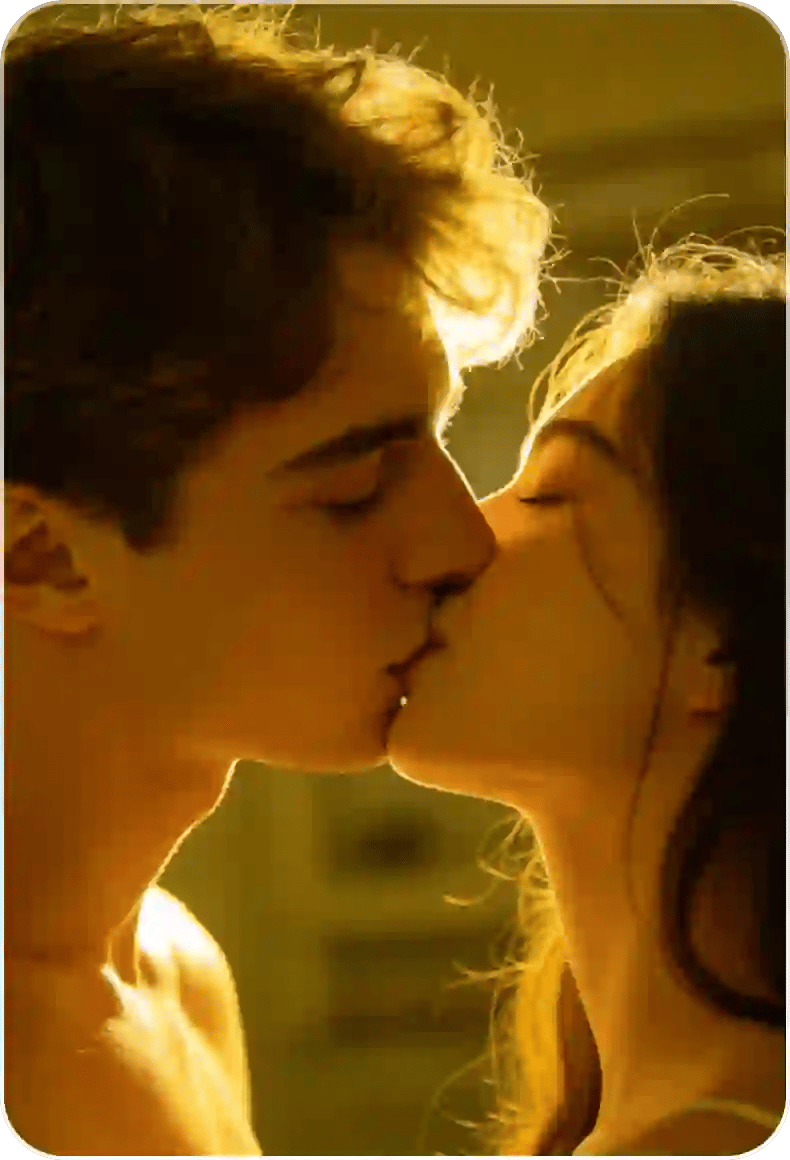
Turn two photos into an AI-generated kissing video, with natural motion and expression.

All-in-one AI platform.
Lightning-fast processing, high-resolution output.
Unlock your fantasies on MyIMG.
 loading...
We'll email you a 6-digit code — no password needed.
Enter the 6-digit code sent to
Signing in automatically once all 6 digits are entered
Signed in successfully
Welcome to MyIMG


