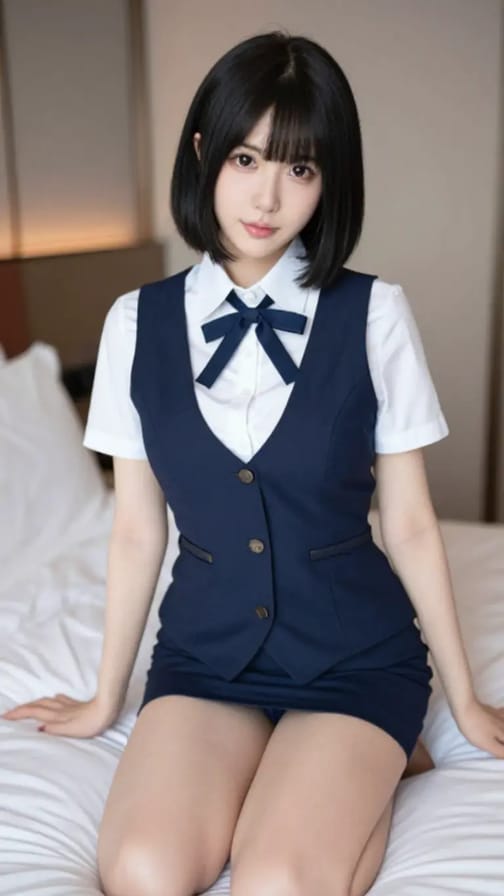
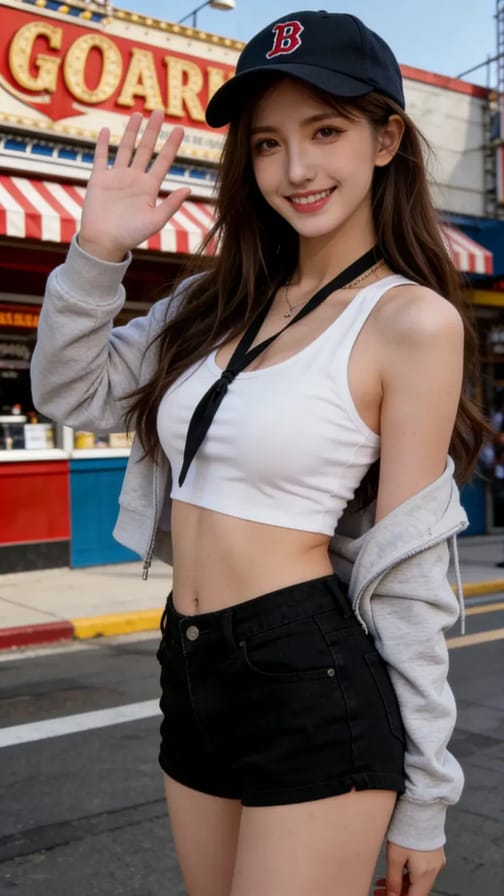
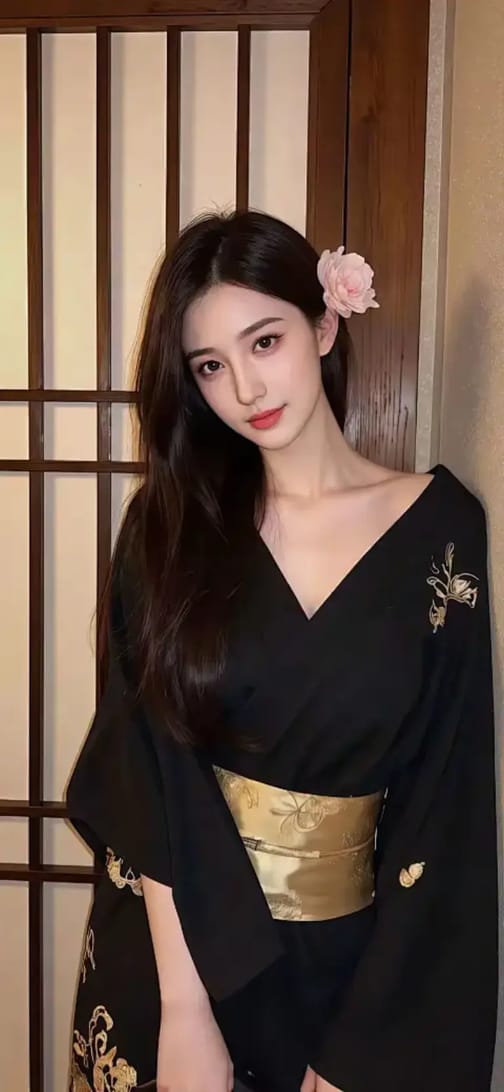
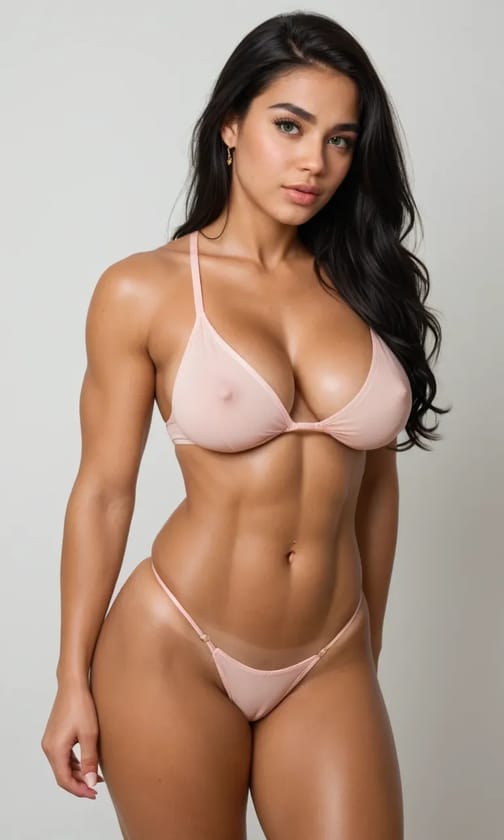
AI Clothes Editor
Undress a photo in seconds
Video Template
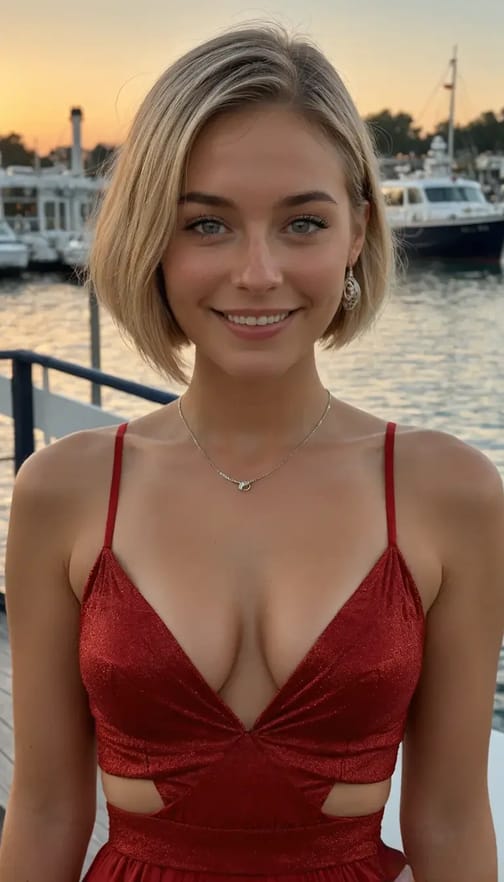
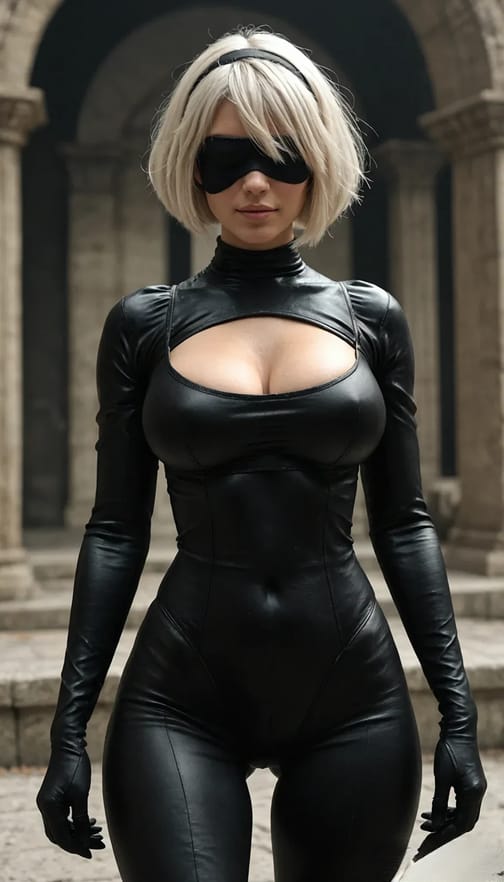
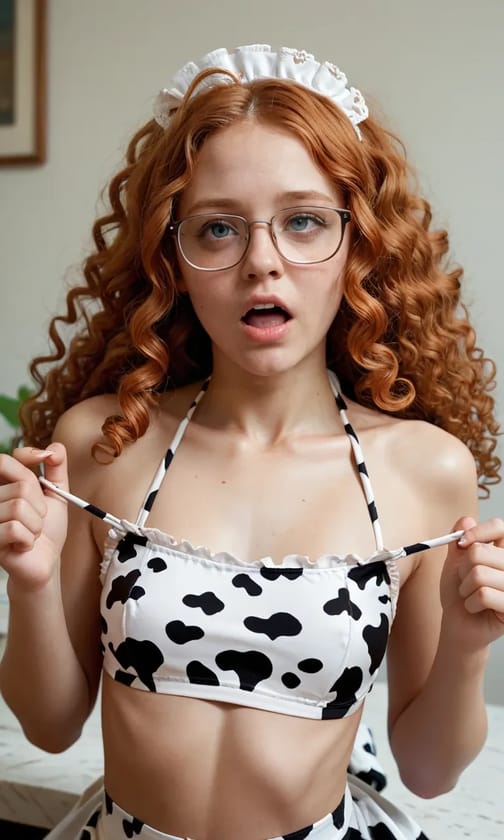
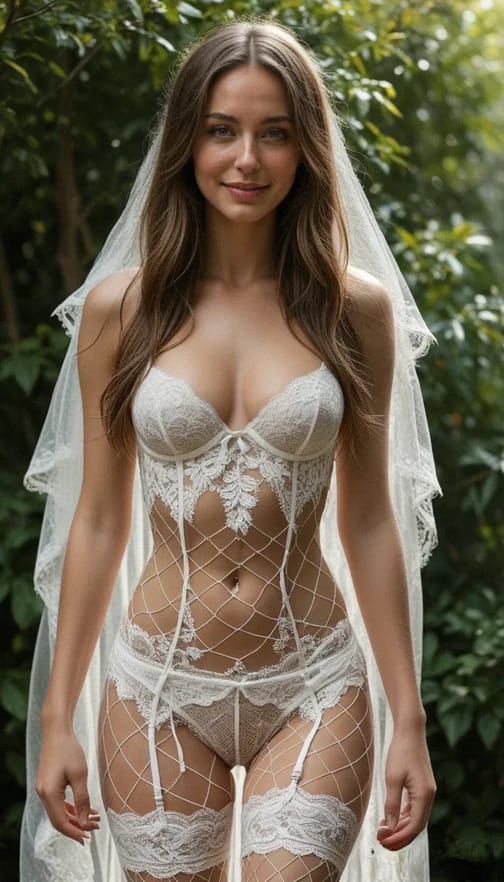
Upload a photo and bring it to life with sultry motion and atmosphere. Myimg’s uncensored image to video tool lets you animate images freely, creating provocative videos driven by your imagination.
Undress a photo in seconds
Make anyone dance with one click
Animate the titty drop effect
Your personal fitting room
Turn an idea into a comic instantly
Upload a video and swap face
Animate a bunny boy dance
Create strip tease videos
Get Intimate with Sexy Babes
Turn a photo into an NSFW video
Powered by advanced AI models, Myimg generates hyper-realistic videos with smooth motion and natural transitions.
No long waits.
Your uncensored image-to-video result is ready in just seconds.
Create uncensored videos without creative limits.
Animate expressions, moods, and interactions exactly the way you imagine.
No technical skills required.
Simply upload, describe, and generate your video in a few easy steps.
All generated videos are watermark-free.
You enjoy full ownership of the video.
Your privacy comes first.
All uploaded and generated content is encrypted and automatically deleted within 24 hours.
We never store your data.
Looking for inspiration for uncensored video creation? Explore our collection of provocative and captivating video templates, perfect for your referrals. Discover the power of our uncensored image to video tool by experimenting with these enticing templates.
Ever fantasized about engaging with the stunning subject of your image? Make it a reality with first-person perspective videos. Generate a clip of that beauty sending you a seductive kiss or teasing you with flirtatious, intimate motions.
Shed the stress of your day with Myimg. Our uncensored video generator delivers content that is both intensely hot and playfully arousing. Relax and recharge with sexy, tailor-made explicit videos designed to fulfill your desires and energize you for what's next.
Upload a high-resolution photo for the best visual result.
Choose a template or customize your own effect using a detailed prompt. Describe expressions, movements, and atmosphere clearly, then click "Generate".
Download your uncensored video and enjoy the result.

All-in-one AI platform.
Lightning-fast processing, high-resolution output.
Unlock your fantasies on MyIMG.
 loading...
We'll email you a 6-digit code — no password needed.
Enter the 6-digit code sent to
Signing in automatically once all 6 digits are entered
Signed in successfully
Welcome to MyIMG


